FRME.the reel & frame maker
Your camera roll, ready to post.
FRME, for iPhone and Android, turns the photos you already have into the things you actually want to post: a short film-look video, a carousel that pans across slides, a framed print hanging on a wall, or a scrapbook page. Nothing is cropped to fit, nothing is uploaded, and there is no account — every frame is rendered on your own phone and saved straight to your photo library.
Four things you can make
Pick what you want to end up with, not which tool to learn. Choose the output, drop in your photos, and the templates take it from there.
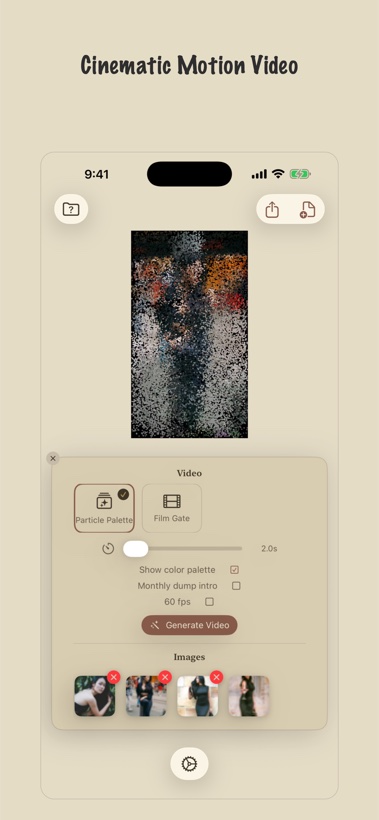
Photo → video.
Stills that move like film.
Hand it a set of photos and get back a short video — film-inspired motion, transitions and grade, with new looks added over time. Drop a video clip in beside the stills if you have one. Exports as an MP4 for Reels and Stories.
Carousel.
One picture, several slides.
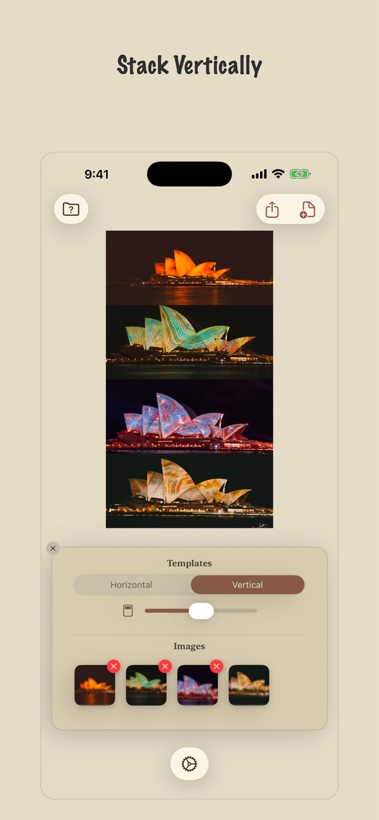
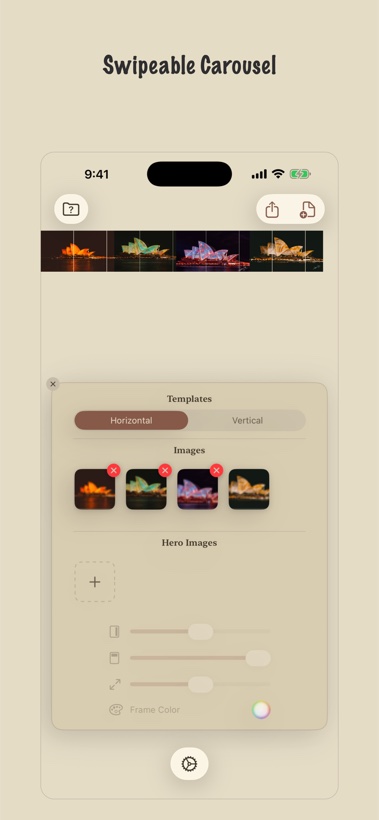
Split one photo across an Instagram carousel so it scrolls seamlessly — each swipe continues the picture instead of starting a new one. Or stitch a set into one tall strip, overlay a hero shot across the seam, or run a two-frame poll for Stories.
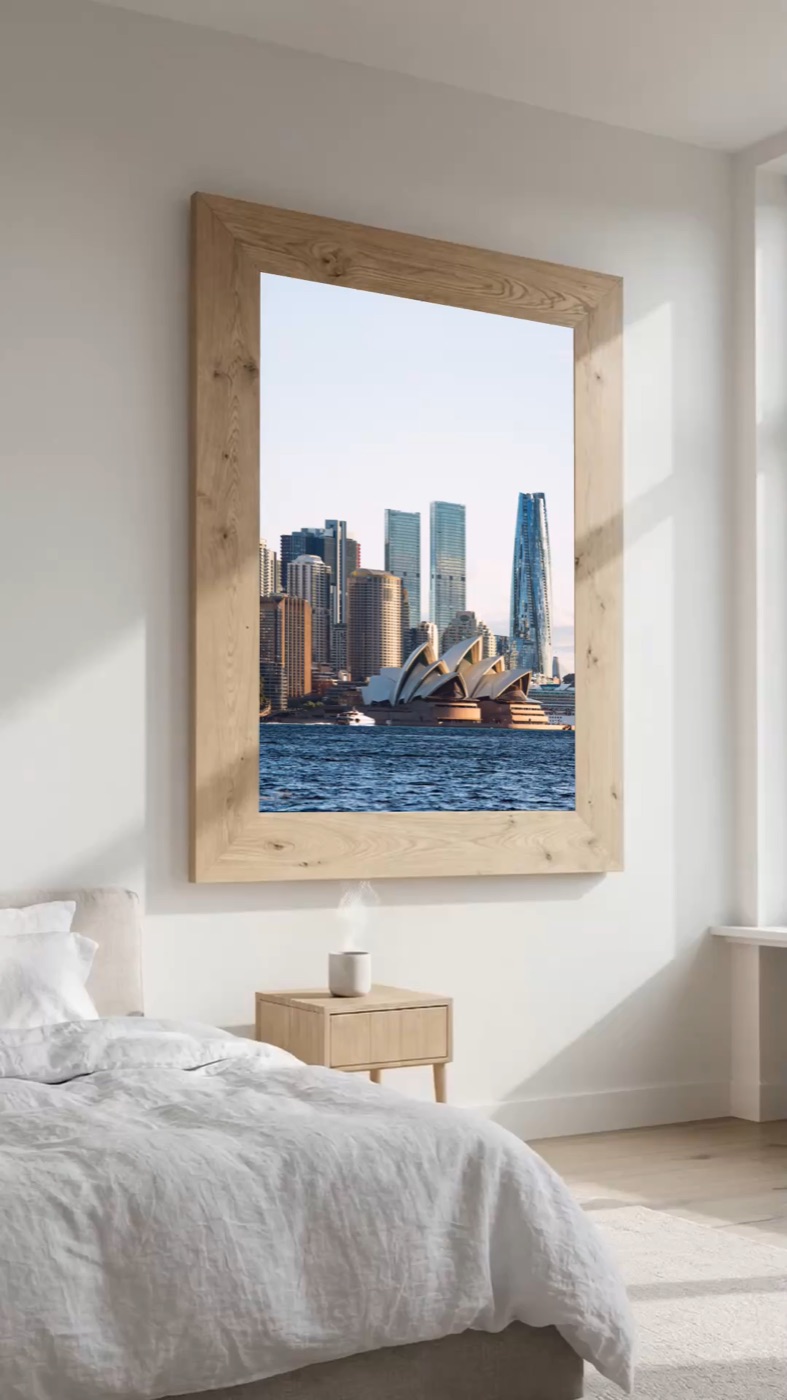
Art mockup.
Your photograph, hanging on a wall.
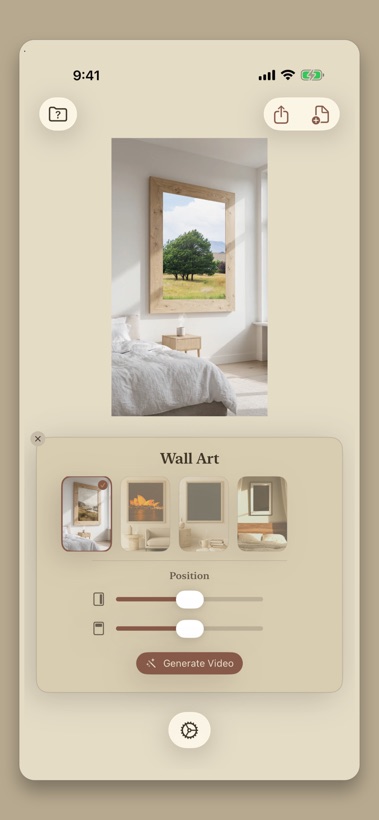
See a print framed and hanging in a real room — the mockup a client asks for before they commission anything, and the one that makes a print worth buying on a feed. Made from the photo in your pocket, not a studio shoot.
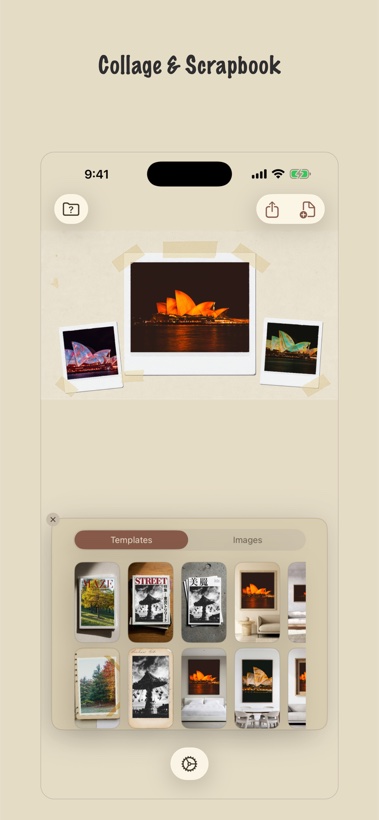
Scrapbook.
When one photo deserves a page.
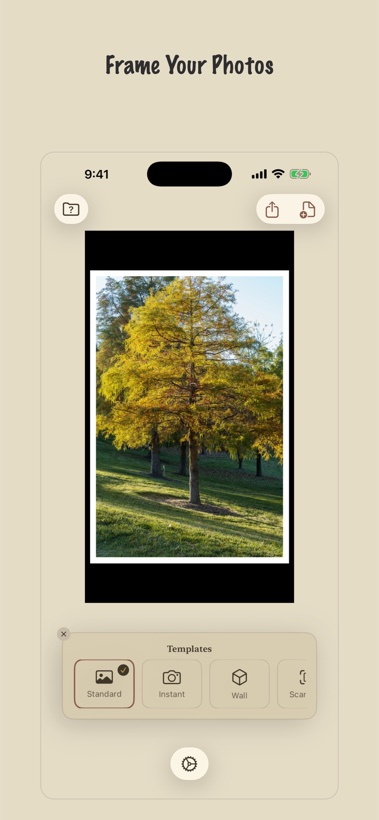
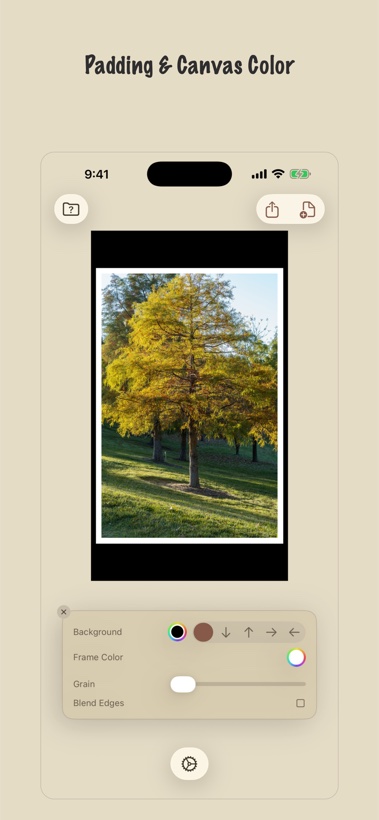
Layouts drawn from journals, contact sheets and print magazines — drop in a few photos and get a composed page instead of a bare border. Classic mats are here too: Standard, Instant and Scanned, with frame colours pulled out of the photograph itself.
See it in action
Six honest reasons
Nothing gets cropped
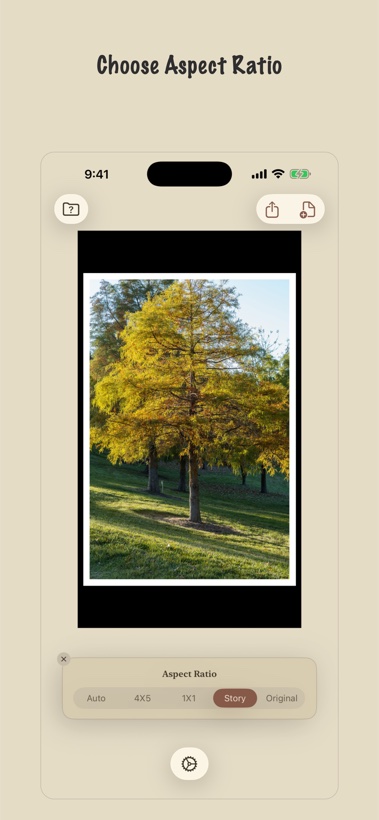
Instagram wants a shape; your photograph has its own. FRME resizes the canvas around the picture instead of cutting into it, so the whole frame survives the post.
Frame colours from the photo itself
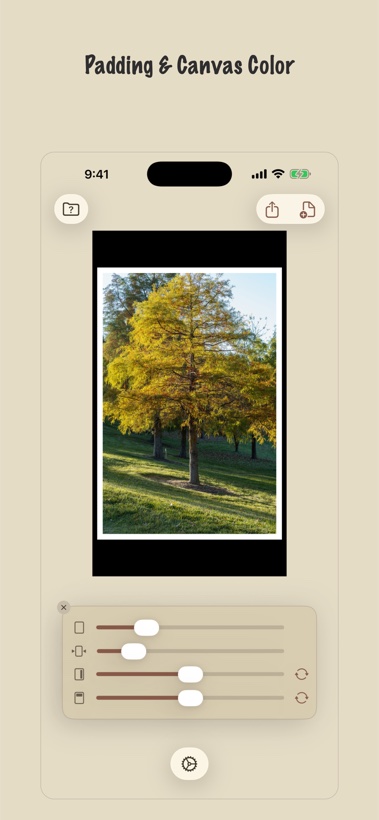
Pull any colour out of the image for a mat that looks chosen rather than default.
Film-born templates
Instant, Scanned, FRME 400 — plus a growing set of layout pages drawn from scrapbooks, contact sheets and print magazines.
Video that remembers film
Projector wear, splice cuts, particle dissolves and a monthly-dump title card built from your photo’s own palette — with more looks landing over time. Rendered on-device, exported as MP4.
Mockups without a studio
Put a print on a wall, or a clip beside the still it came from — the scene and the shot in one vertical post.
Private by design
No account. No server. No analytics. Every render happens on your phone’s GPU and goes straight to your photo library.
The things people ask
How do you make a seamless Instagram carousel?
Split one photo across several slides so each swipe continues the picture instead of starting a new one. FRME cuts the image to Instagram’s slide width for you, keeping the full frame — no cropping, no visible seam between slides.
What is an art mockup?
A photograph shown as it would look printed, framed and hanging on a real wall. It is what a client asks to see before commissioning a print, and what makes a print worth buying when it appears on a feed. FRME calls this Wall Art, and renders it as a short looping clip with the camera drifting across the room.
Is FRME a reel maker?
Yes, though it makes the reel rather than the edit. Most reel makers hand you a timeline and a template library and expect you to assemble something; FRME takes photos that are already on your phone and renders a finished vertical MP4 — film-look motion, grain and transitions — with nothing to arrange and no clip to trim. It runs on iOS and Android rather than in a browser.
How do you make an art mockup on your phone?
Open a photo, pick a room, and FRME renders the print framed on that wall as a short looping clip, with the camera drifting past it rather than a flat paste-up. It needs no design file, no browser and no account — the mockup is made from the photo in your pocket and rendered on the phone itself.
Can you turn photos into a video without editing software?
Yes. Pick a set of photos and FRME renders a short film-look video — parallax motion, film-gate grain, or a colour palette pulled from the photos themselves — and exports an MP4 for Reels and Stories. There is no timeline to learn.
Does FRME upload my photos?
No. There is no account, no sign-up and no server. Every frame is rendered on your own phone’s GPU and saved straight to your photo library, so your photos are never transmitted anywhere.
Is FRME free?
Importing, editing and previewing are free, with no account and no time limit — a subscription is what unlocks saving the finished image or video. Plans are weekly, monthly or yearly, and new subscribers get the first week free on the weekly plan.